WEBINAR & BLOG
10 Ways to Optimize Your LearnYour Benefits Site for Open Enrollment
Benefits open enrollment is coming for most employers and their employees. In the coming weeks, brokers and HR teams will be hard at work preparing for open enrollment. This means finalizing benefit selections and preparing communications with the hopes of a smooth experience.
For those brokers and employers that have transitioned to LearnYour Benefits or another online benefits engagement website, it will soon be time to optimize those sites for enrollment.
While LearnYour Benefits promises on-demand concierge services for all clients, some brokers and employers prefer to administer and optimize LearnYour Benefits themselves. The following post discusses the top 10 ways to optimize a LearnYour Benefits site for enrollment.
Attend our coming webinar.
10 Ways to Optimize Your LearnYour Benefits Site for Open Enrollment
Date: Tuesday, September 30, 2025
Time: 1pm ET | 12pm CT
Register Now
-
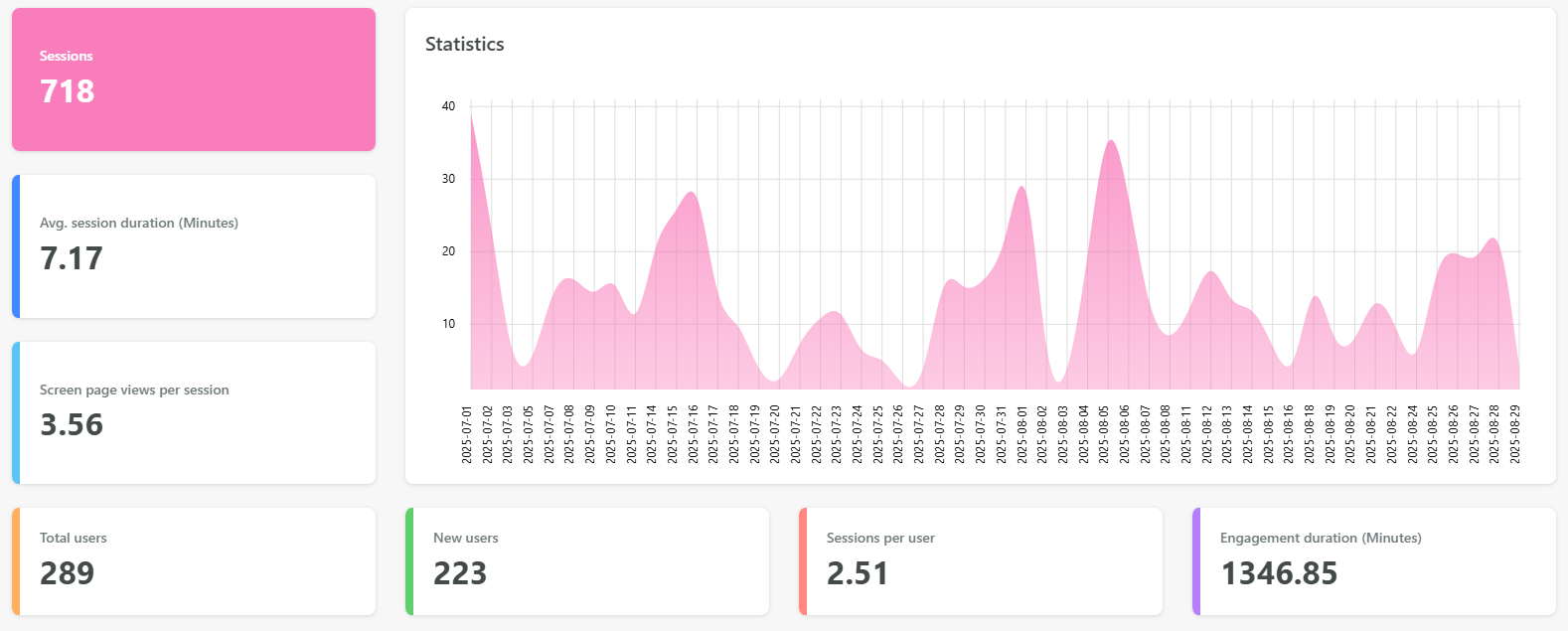
- Review site analytics and your frequently asked questions, then optimize your site based on your observations.
The analytics are there to monitor engagement and inform future strategies. This knowledge, paired with your frequently asked questions, will direct how your website can be optimized. Change your text areas, homepage, and benefits pages accordingly to optimize employee efficiency and minimize your workloads.
2. Use the gallery feature on your homepage.
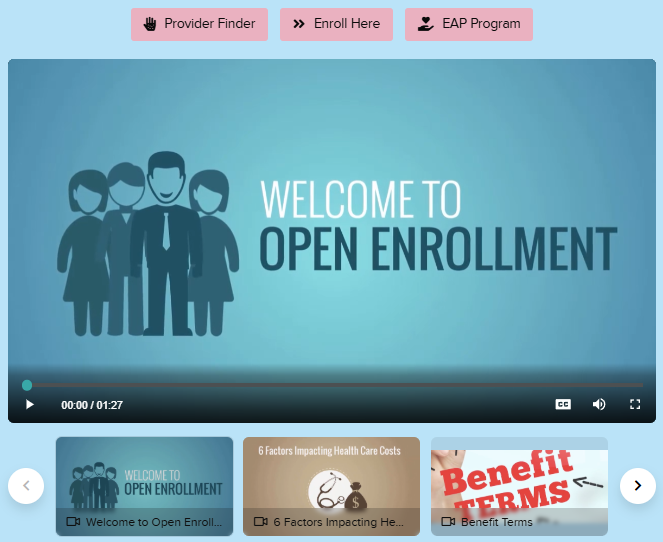
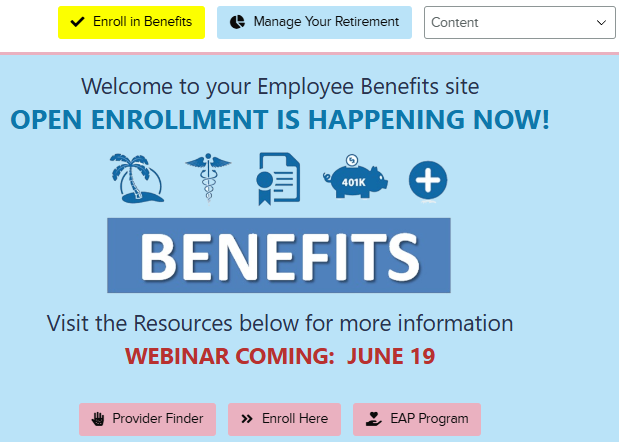
The gallery is designed to prominently display important information. We recommend you use this feature to share/push information you want employees to see each time they visit the site during enrollment. During Open Enrollment, this could highlight benefits being added or significantly changed.
3.Use the buttons in the header and in the message area.
Buttons are designed to help employees navigate to frequently used websites or applications. Set up your header buttons to navigate quickly to commonly used websites, such as your tax-advantaged account website or wellness plan. During OE, we recommend also having the buttons in the message area to navigate to websites relevant to enrollment or resources in the gallery.
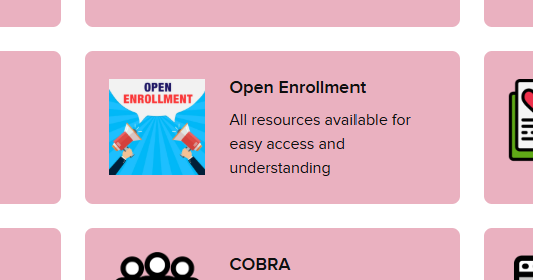
4. Create a page dedicated to open enrollment.
Employers often wish to highlight open enrollment information or keep future years’ benefits information separated from current year’s information. Setting up a dedicated page on your website does this. Once the new benefit plan year begins, it’s easy to move the information from the open enrollment page to other pages.
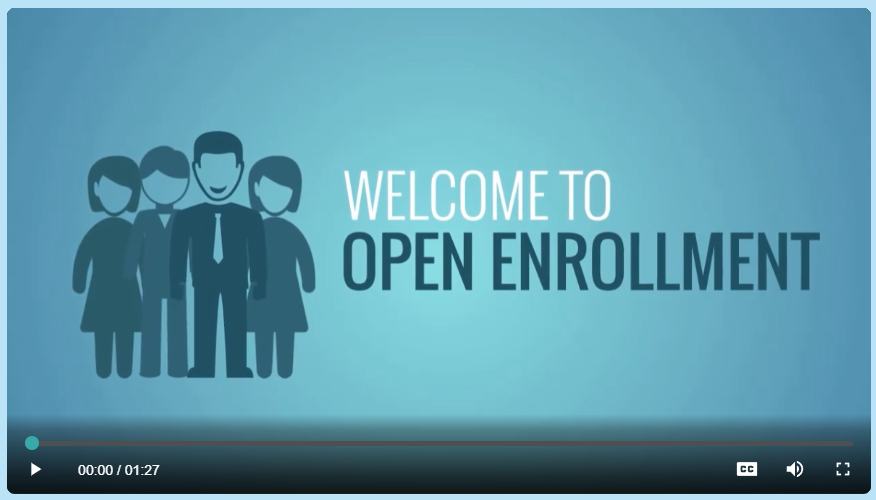
5.Upload a prerecorded open enrollment webinar.
LearnYour Benefits doesn’t have any streaming or storage limits, so you can upload as many videos and resources you wish. Before open enrollment, record an Open Enrollment Webinar (or similar) and upload it to LearnYour Benefits. And put it someplace prominent for employees to quickly notice. Employees will be able to access this during enrollment. You can keep this video active and use it ss you onboard new employees, saving you many hours during the year.
6. Review and update your text areas on each page.
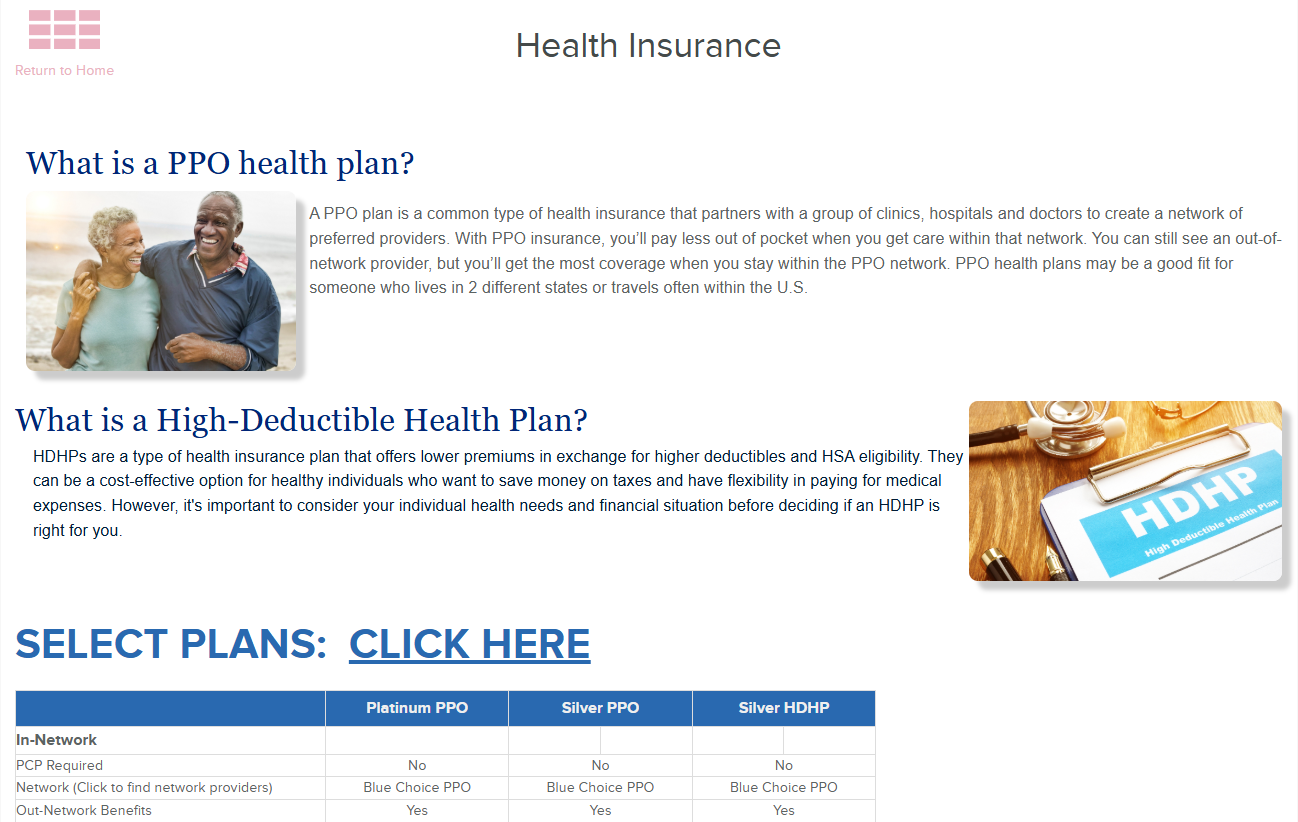
In general, we recommend that brokers and employers use the text/header areas on pages for FAQs and highlights. Employees generally prefer infographics over lengthy paragraphs. For those employees that want more information, they can access the details in the resources uploaded to respective pages. This approach better-serves more employees and their various knowledge levels.
Reminder: the message areas are simple to edit and are yours to manage. Add all the text, photos, links, and images you wish. Keep it simple, or make it highly visual.
7. More resources the better.
Since LearnYour Benefits doesn’t have any storage or streaming limits, go ahead and upload all the documents, links, videos, and images you can get your hands on. If you have employees that are fluent in a language other than English, be sure to upload resources in other languages. The more we can connect your benefits to your employees’ lives, the better off we will all be. You’ll experience better utilization and longer employee retention.
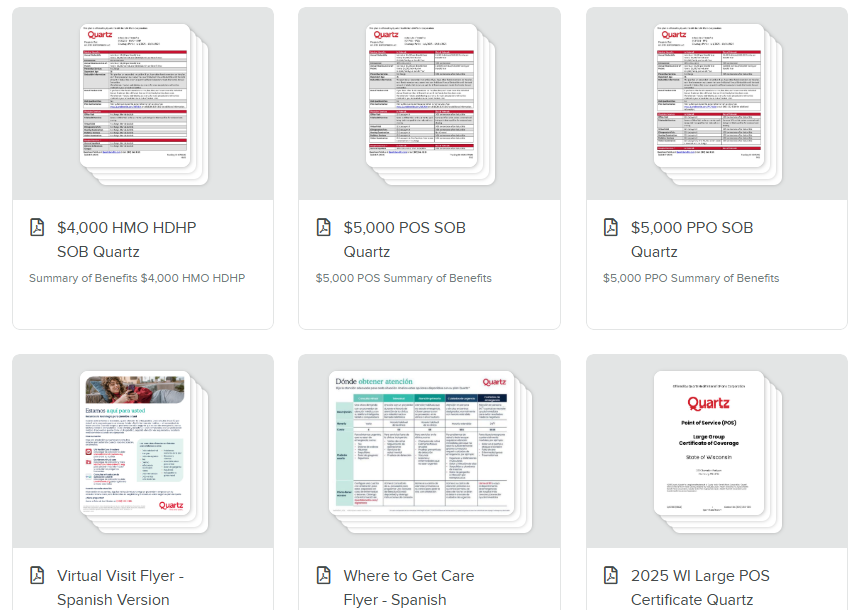
8. Serve up important phone numbers, links, and employer codes separately to make them easily accessible.
Don’t make employees dig through content to find the flyer that has a phone number or link.
Our research shows that you have 47 seconds to get employees to the proper website or resource. If you can’t deliver an answer in that amount of time, you risk losing their attention, wasting their time (and your time), and possibly resulting in them an incorrect decision. Find phone numbers and links within resources and place them separately on pages. This eliminates the hunting …and wasted time.
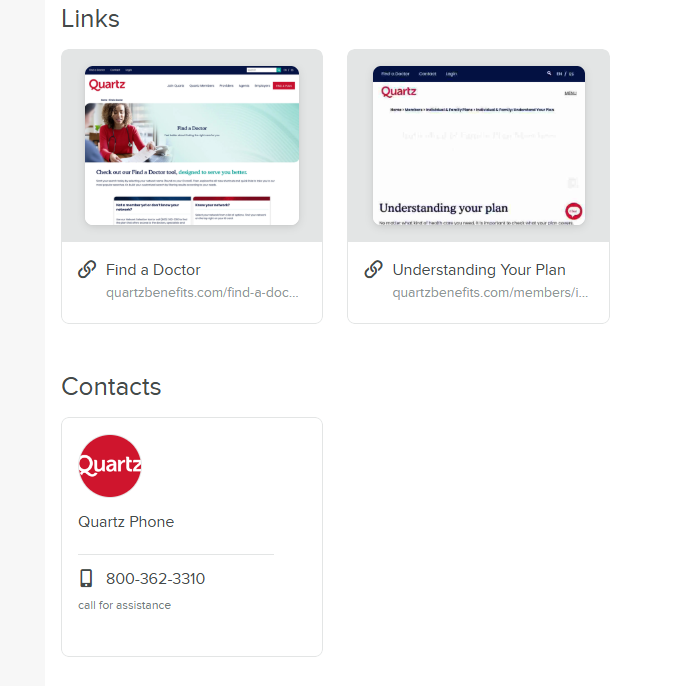
9. Use in-video content recommendations for your recorded webinar or any other video uploaded to LearnYour Benefits.
In-video content recommendations are available to all administrators. Think of them as “advertisements” within any video on your site. Content recommendations can display the resources, images, and information you want employees to see at a specific point in a video’s timeline. You’ll be maximizing the chance employees will take action or download a form while you have their attention.
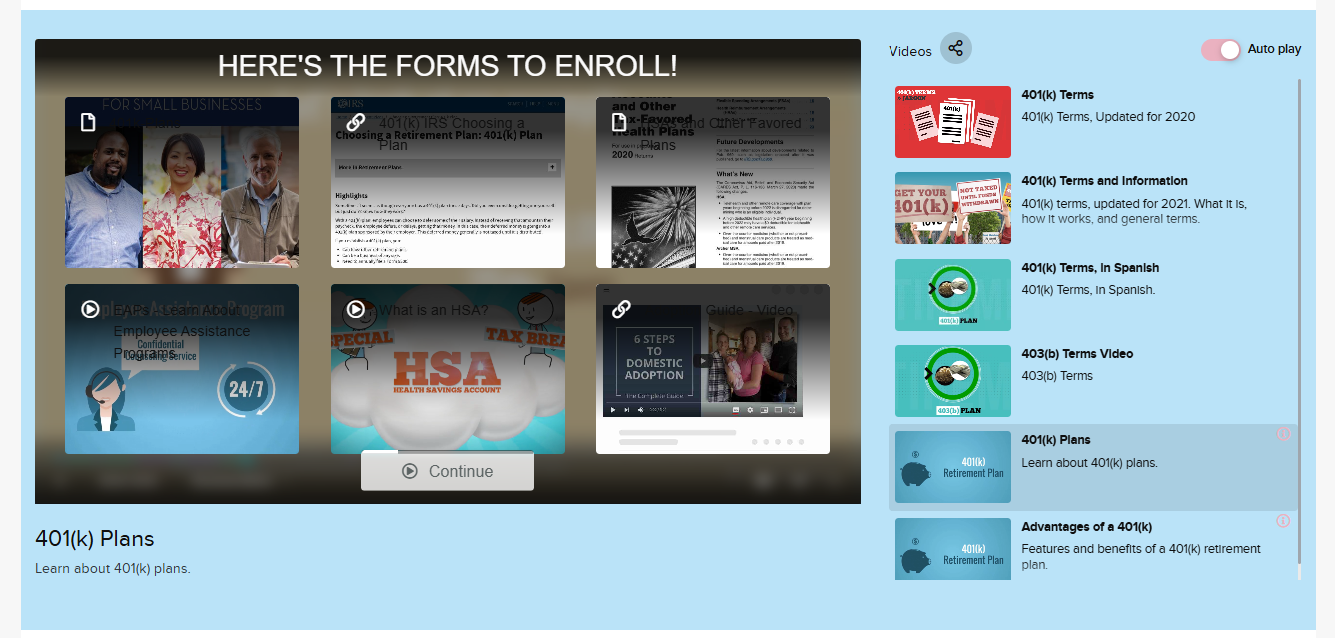
10. Prepare employees before open enrollment with a landing page.
Every administrator has access to landing pages. These are microsites tied to your primary benefits site. Their primary purpose is to promote something specific without significant clutter or overwhelming people with superfluous information. We particularly like to use landing pages for open enrollment to highlight deadlines, good news, or benefit changes.
Open enrollment is coming.
Use these optimization tips to improve your employees’ experience and your own. Spending a little time optimizing your site will save you tons of time during enrollment and the rest of the year. Applying these tips to year-round communications is equally valuable.
As always, if you have any questions or needs. Please contact your client service personnel or use the support form in the administrative area or our website.
Contact UsWhat is LearnYour Benefits?
LearnYour Benefits is a benefits communications and client service platform. We enable employers, brokers, and partners to efficiently distribute highly-customized benefits communications sites to employees or clients. Each site comes with all the promotional features you need to eliminate confusion and drive results, year-round. For brokers and partners, our client service features and analytics dashboards will enable you to maximize ROI and offer value-added capabilities – helping you stand out from your competitors. Have limited time or personnel? Leverage our included concierge services to do the heavy lifting for you. Our efficient software and service teams make us a turnkey benefits communications solution.
Visit LearnYour Benefits